
Download Pastefrog
Give everything you copy a new place to land. Get Pastefrog on your devices and start with Free.
Pastefrog for Mac
Mac setup guidePastefrog for Windows
Windows setup guidePastefrog for Linux
Linux setup guidePastefrog for iPhone and iPad
iPhone and iPad setup guidePastefrog for Android
Android setup guide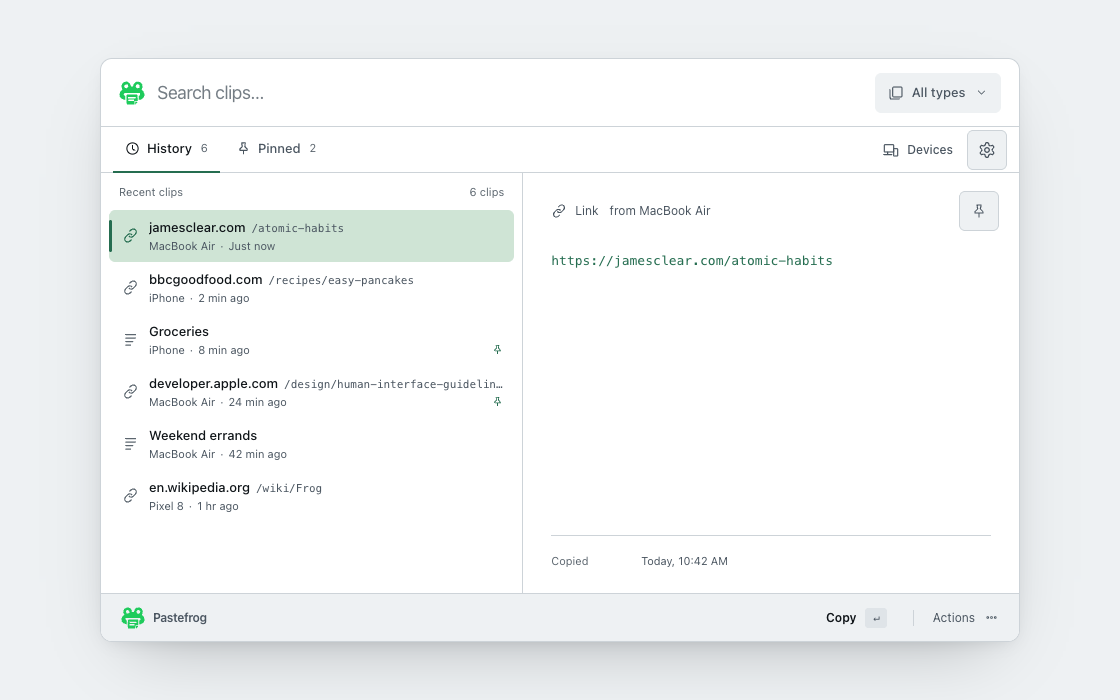
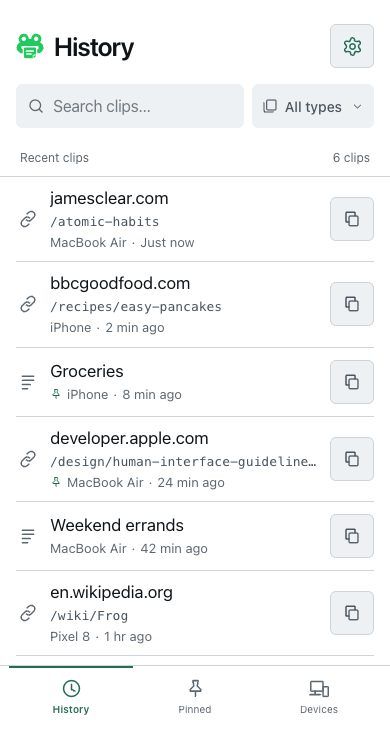
Find your lily pad.
- Mac
Mac App Store · Mac installer
Setup guide - Windows
Microsoft Store · Windows installer
Setup guide - Linux
AppImage · Debian package
Setup guide - iPhone and iPad
App Store
Setup guide - Android
Google Play
Setup guide
Your first hop.
Sign in, link your devices, and give your next copy somewhere to go.
Follow the linking guideInstall
Get Pastefrog on each device you want to use.
Sign in and link
Save your recovery key. On your phone, scan the QR code shown in the desktop app and confirm the link. Capture starts after sign-in and linking.
Copy and hop
Copy an image, a file, or anything else on one device. Paste it on another. Your platform guide explains the keyboard, shortcut, and sharing controls.